
Checklist Schedules with Assets
When scheduling a checklist that references multiple assets (equipment), you need to decide how those inspections are distributed.
Here is how the three Equipment options work to help you choose the right setup for your schedule:
1. All equipment, one Team Member (default)
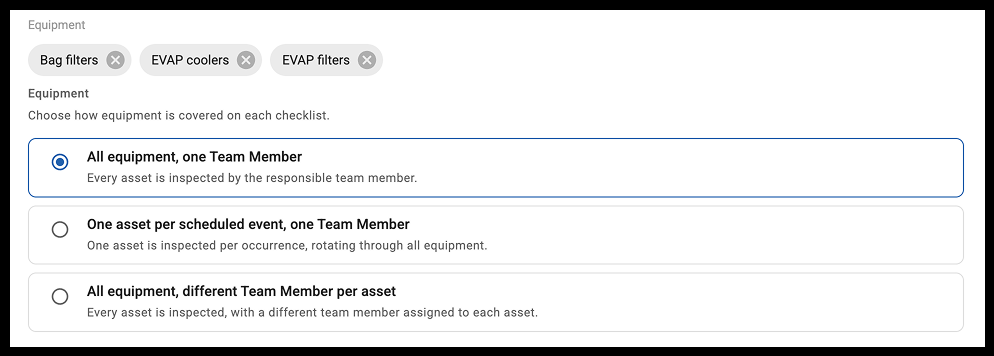
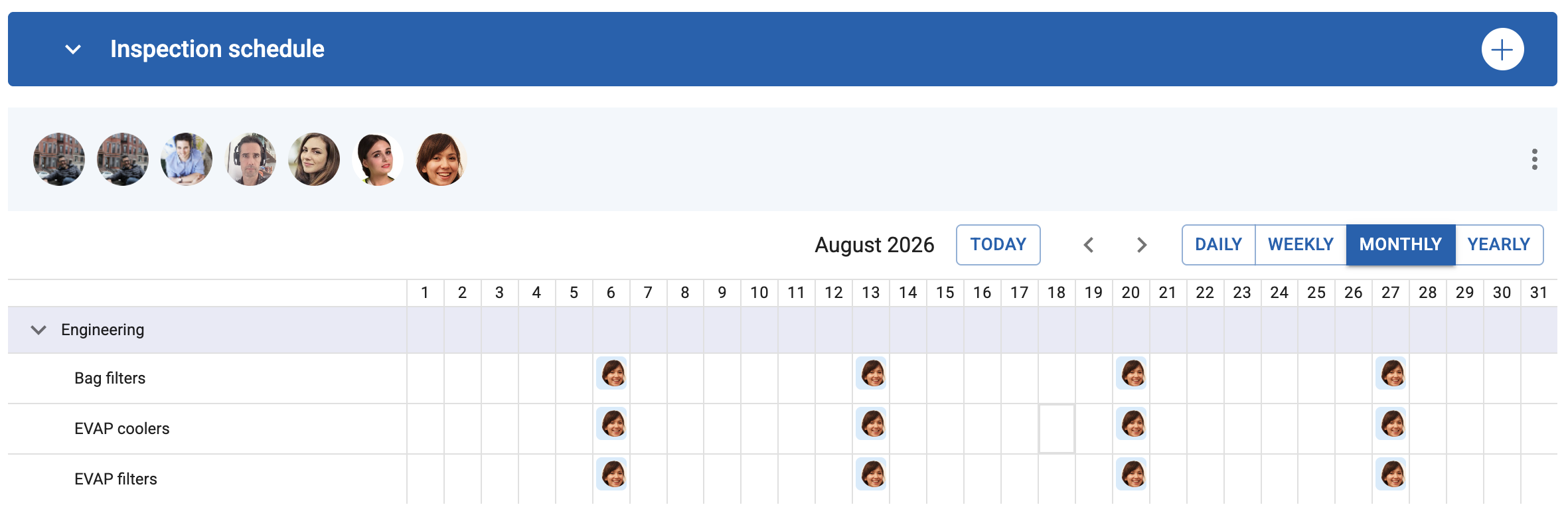
- What it does: Generates a schedule where one assigned team member is responsible for inspecting every asset each checklist event.
- Best for: Small groups of assets located in the same area that can easily be checked by one person at the same time (e.g., a single operator checking all 5 fire extinguishers in a workshop).
2. One asset per scheduled event, one Team Member
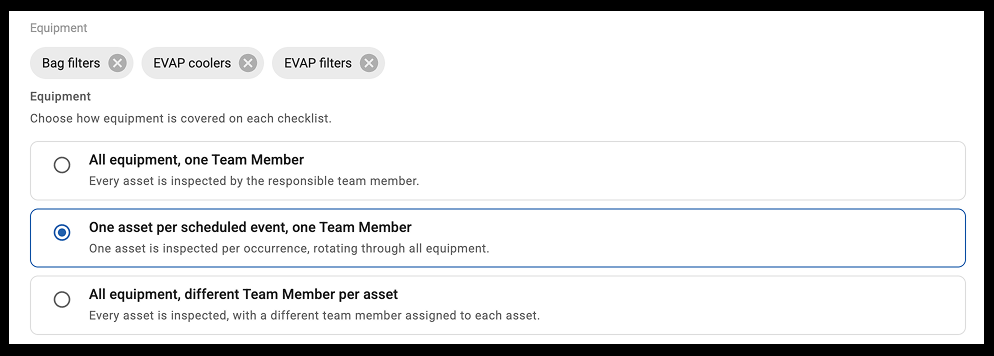
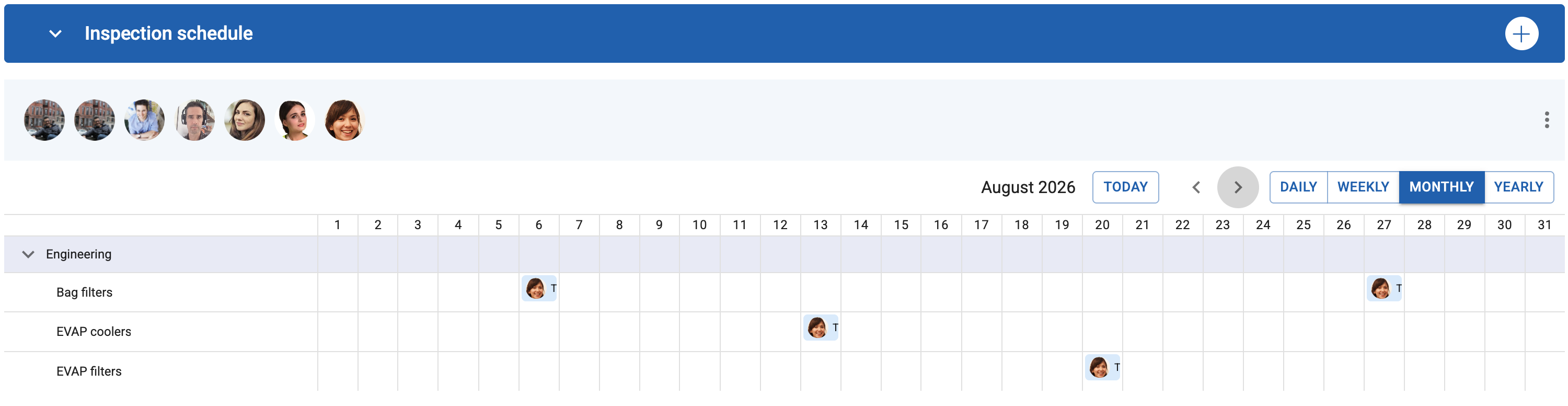
- What it does: Like the previous option, the same person does the checklist each time. However it automatically rotates through your asset list one by one. Each time the schedule triggers, it creates a task to inspect just one asset, cycling to the next asset on the next occurrence.
- Best for: Managing heavy workloads or staggered maintenance schedules where checking everything at once is impractical (e.g., inspecting one forklift per week until all 10 in the fleet have been covered).
3. All equipment, different Team Member per asset
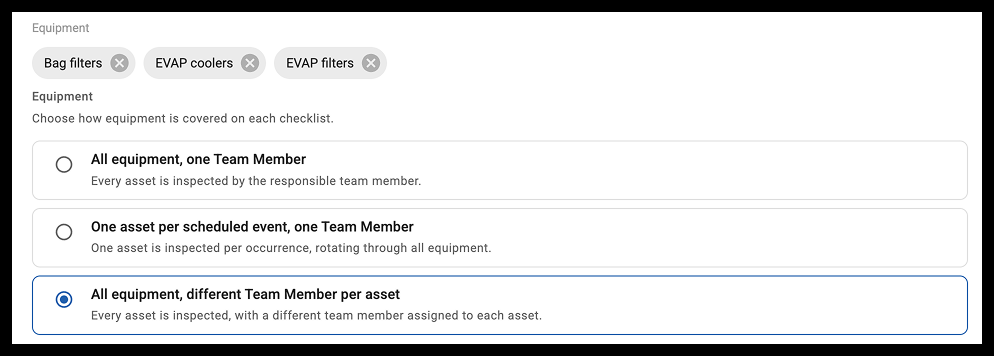
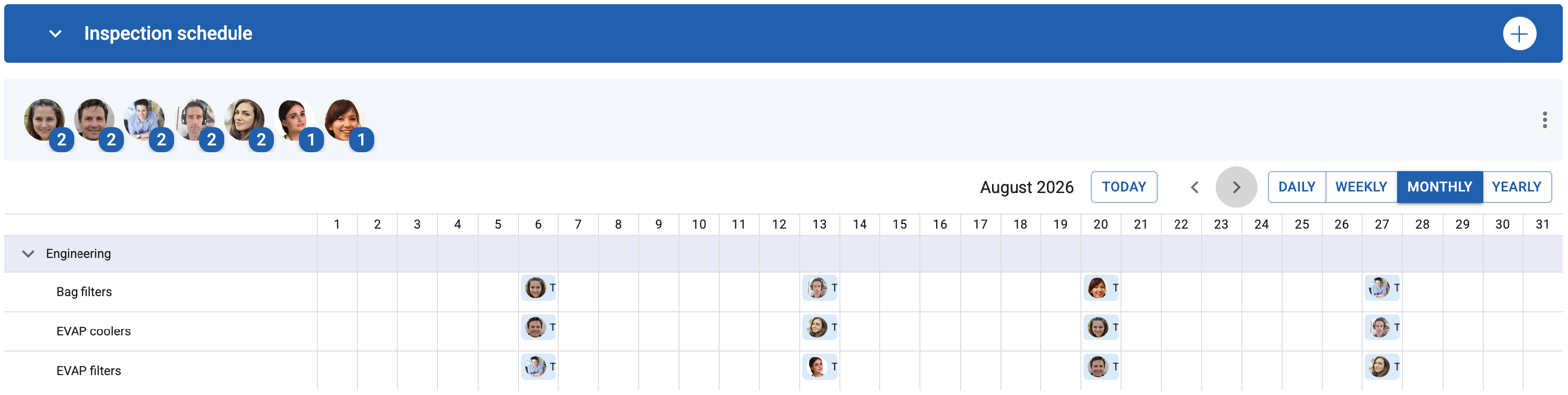
- What it does: Each time the schedule triggers, one person is assigned to one asset, and the workflow cycles to a different team member and a different asset for the next event.
- Best for: Cross-training teams, ensuring unbiased auditing, or sharing the workload fairly across a department (e.g., a monthly safety walk where team members rotate through different machinery lines so fresh eyes see different equipment each time).
Note: If you only attach a single asset to a schedule, these options won't apply. The schedule will simply generate one task for that asset and display it on the Asset Calendar.