
Calculator and Conditional formatting in Tables
Tables have a calculator function and conditional formatting. These tables are available in Checklists and A3-style activities.
Calculate options include; sum, multiply, divide and average.

How to apply a calculation
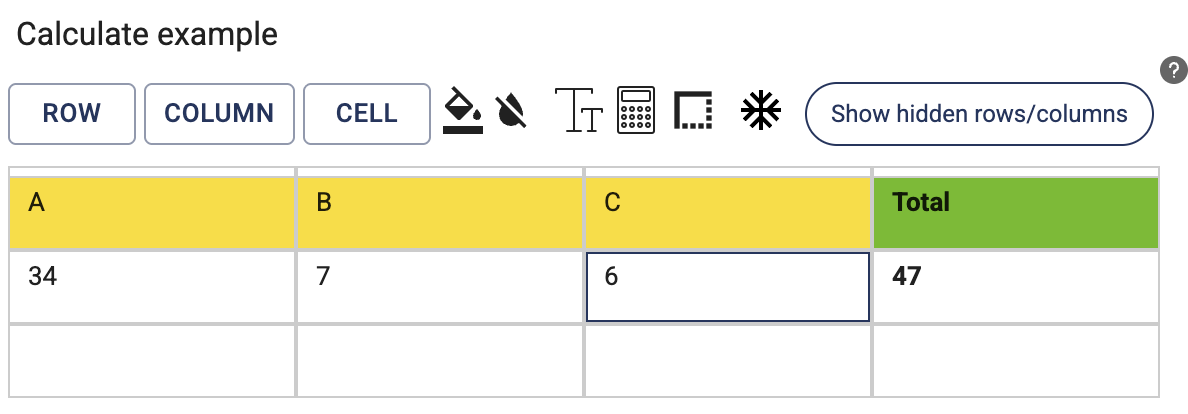
- Select a cell range horizontally or vertically. For example, in the below image 3 cells have been selected horizontally.
- Click on the calculator icon
- Select the function (e.g. Sum)

- Confirmation: The system highlights the cells that contributes to the calculation and also shows a Total in the last column
Tip: there must be a row/column available to display the total.

-
As values are entered, the calculation is applied.
Conditional formatting
Define rules for a table cell, and the format will dynamically change depending on the value. For example, values greater than 95 should have a green background