
Tables
Tables can be added to a section in a multi-section activity.
- Build and Mirror a Table
- Show/Hide Columns and Rows
- Calculations & Conditional formatting
- Freeze view
- Add Hyperlink to a document, checklist, etc
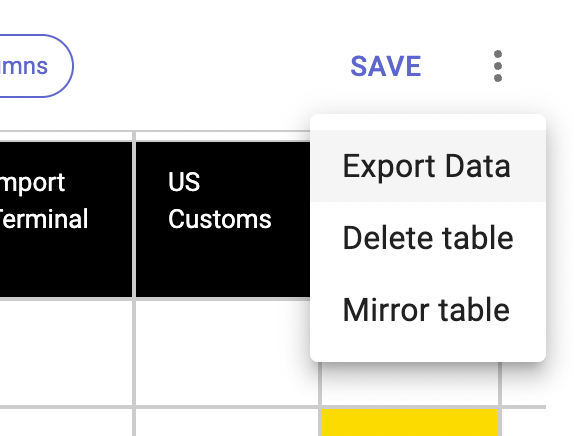
Export Data for A3 tables.

- Click on the Overflow menu (three dots) to see this option
Quick tips
- Background colour can be applied to a range of cells in a table
- Tables can be edited in place within a section and both edited and configured in full-screen view
- Copy & paste from a spreadsheet or another table into A3 and Checklist tables
- Select multiple cells and delete data from A3 and Checklist tables
- Editing Tables - ESC Key - Hitting the keyboard ESC key will cancel changes when editing a table cell. Please note this is only relevant while the cursor is still in the cell.