
Edit an Activity
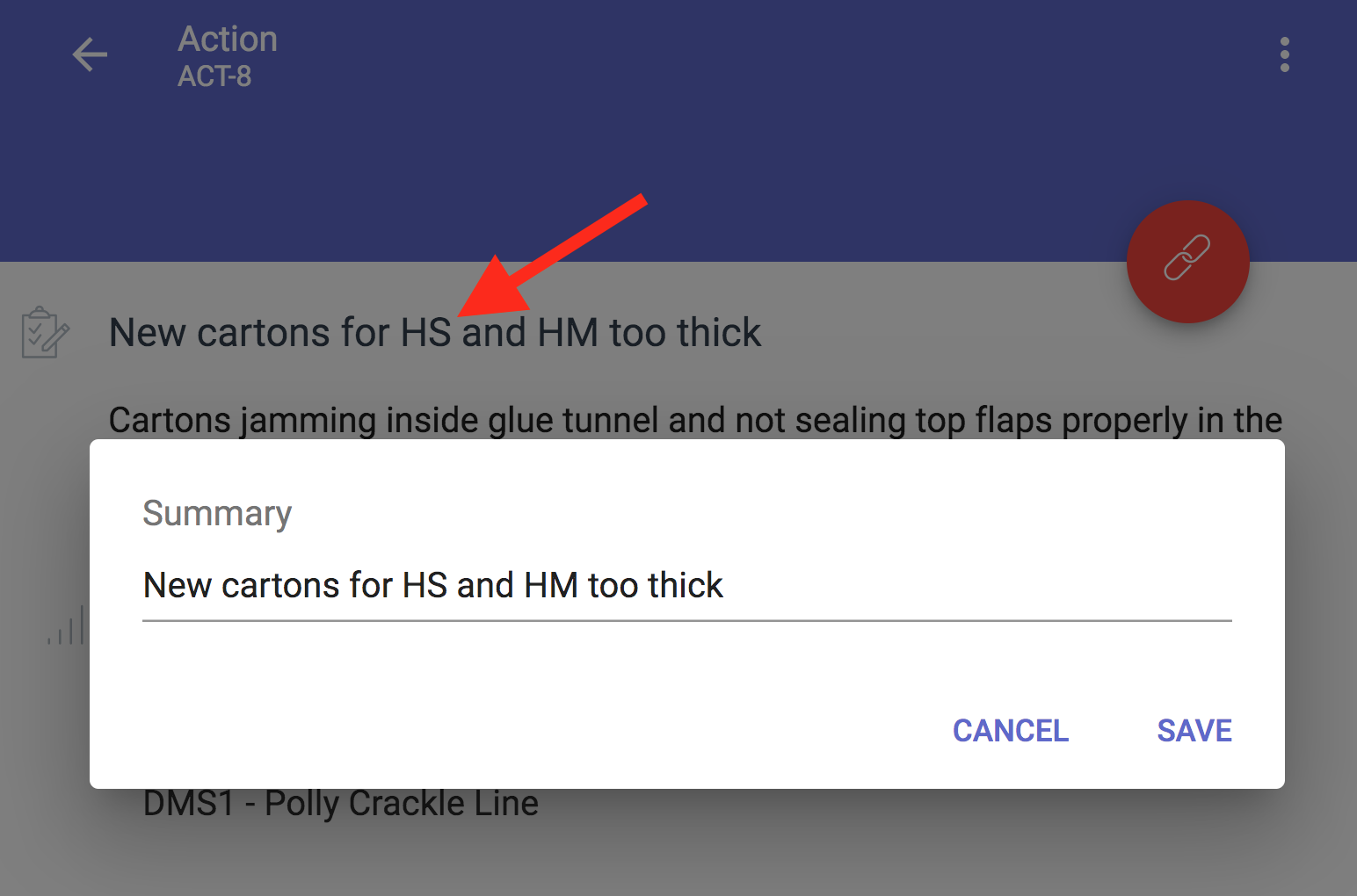
To edit simply open your activity and click on the field or text. Click on the Summary text, make the changes and Save.
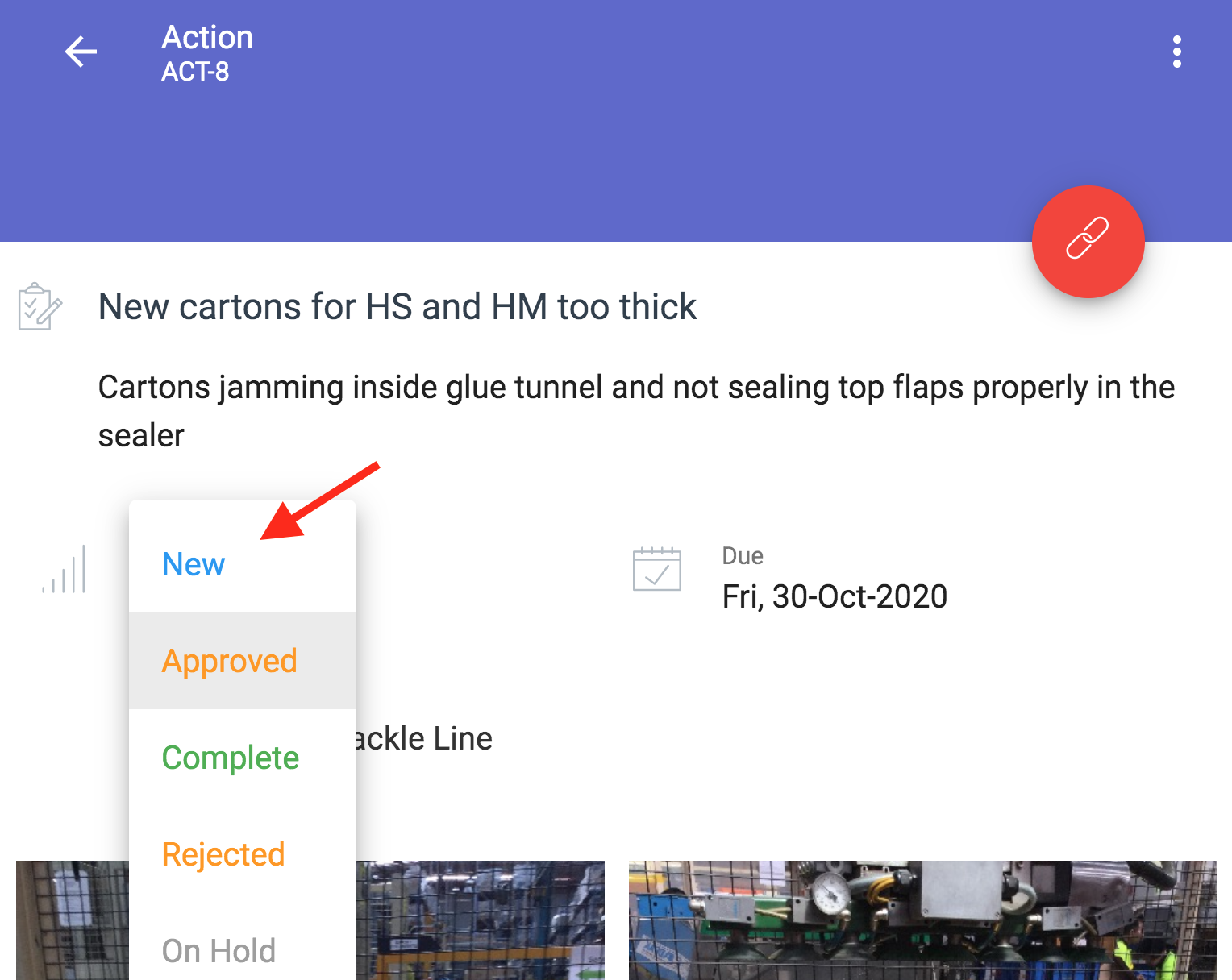
Edit Status - Click on current Status text -> select new Status
Activities automatically SAVE as you edit.
Click on the 3 dots in the top right hand corner of your Activity to see History (a time-line of all changes)