
Why can't I embed my internal site (http)?
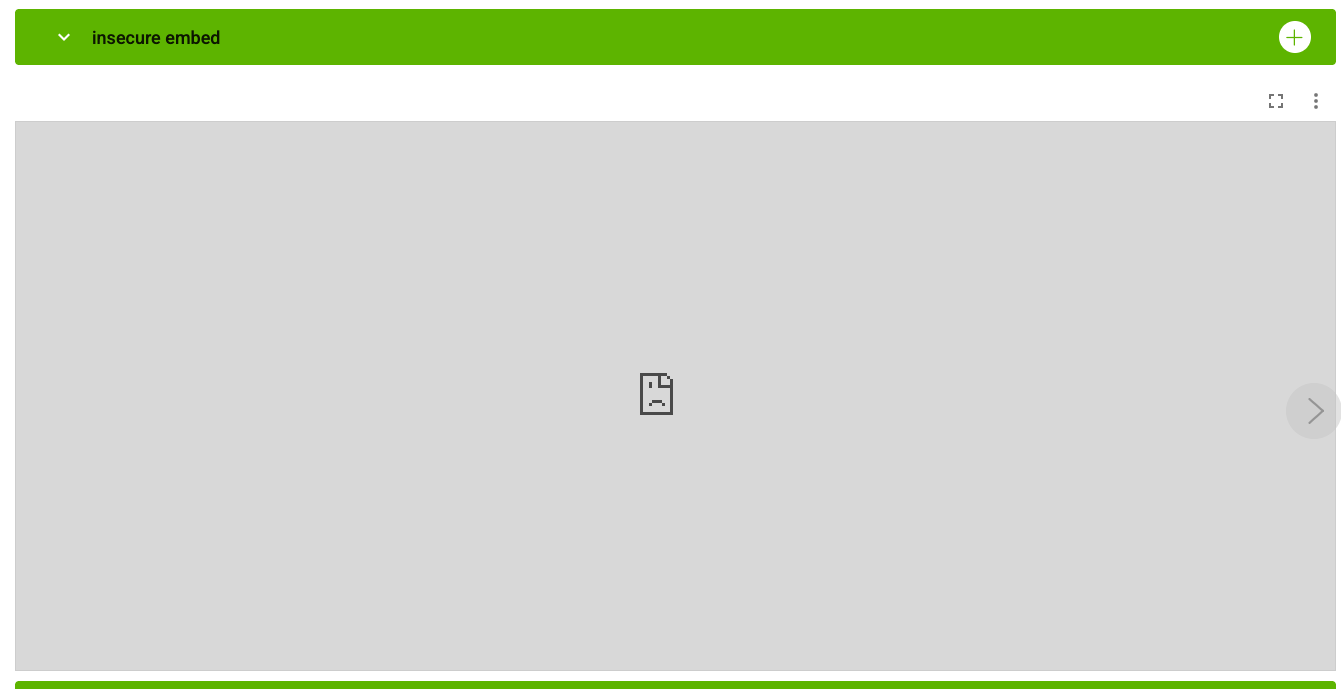
When attempting to embed an internal dashboard or tool into our platform, you may find that the content appears blank or displays a "Connection Refused" error.
This is almost always due to a security standard called Mixed Content blocking. This article explains why this happens and how your technical team can resolve it.
The Problem: Secure vs. Insecure
TeamAssurance is a secure application that uses https (Hypertext Transfer Protocol Secure). This ensures that all data moving between our servers and your browser is encrypted.
Modern web browsers (like Google Chrome, Microsoft Edge, and Apple Safari) have a strict security rule: A secure site (https) cannot load an insecure site (http) inside of it.
- TeamAssurance:
https://xxx.my.teamassurance.com(Secure) - Your Internal Tool: e.g.
http://192.168.1.50(Insecure) -
Result: The browser blocks the connection to protect you, resulting in a failed embed.
The Solution: "SSL Termination"
To successfully embed your internal tool, it must be served over a secure https connection with a valid SSL certificate.
If your internal tool does not natively support https, your IT department or Network Administrator can resolve this without changing the tool itself. They can do this by setting up a Reverse Proxy or a Load Balancer.
How a Reverse Proxy works:
- Your IT team sets up a "bridge" server (using software like NGINX, Apache, or Caddy).
- This bridge is given a secure address (e.g.,
https://dashboard.yourcompany.com). - When you visit that secure address, the bridge fetches the data from your internal "insecure" IP address and passes it to our app securely.
Instructions for your Technical Team
If you are working with an IT professional, you can provide them with the following technical requirements:
Technical Requirement:
TeamAssurance requires all iframe-embedded content to be served over https to comply with browser Mixed Content policies.
Please provide a secure URL for the internal resource. We recommend:
- Setting up an SSL-terminated Reverse Proxy (NGINX/Caddy) to wrap the internal HTTP IP.
- Ensuring the
X-Frame-OptionsorContent-Security-Policyheaders on your server allow embedding from our domain:[company prefix].my.teamassurance.com.
Why we don't recommend "Tunneling" tools
You may encounter tools like ngrok or Localtunnel that promise to make an internal site public instantly. While helpful for temporary testing, we advise against using them for production for two reasons:
- Security: These tools can bypass your corporate firewall, which often violates company security policies.
- Stability: Free versions of these tools often use temporary web addresses that change frequently, which will cause your embed to break.
Still having trouble?
If your IT team has confirmed the site is running on HTTPS and it still won't load, please contact our support team and provide the URL you are trying to embed.