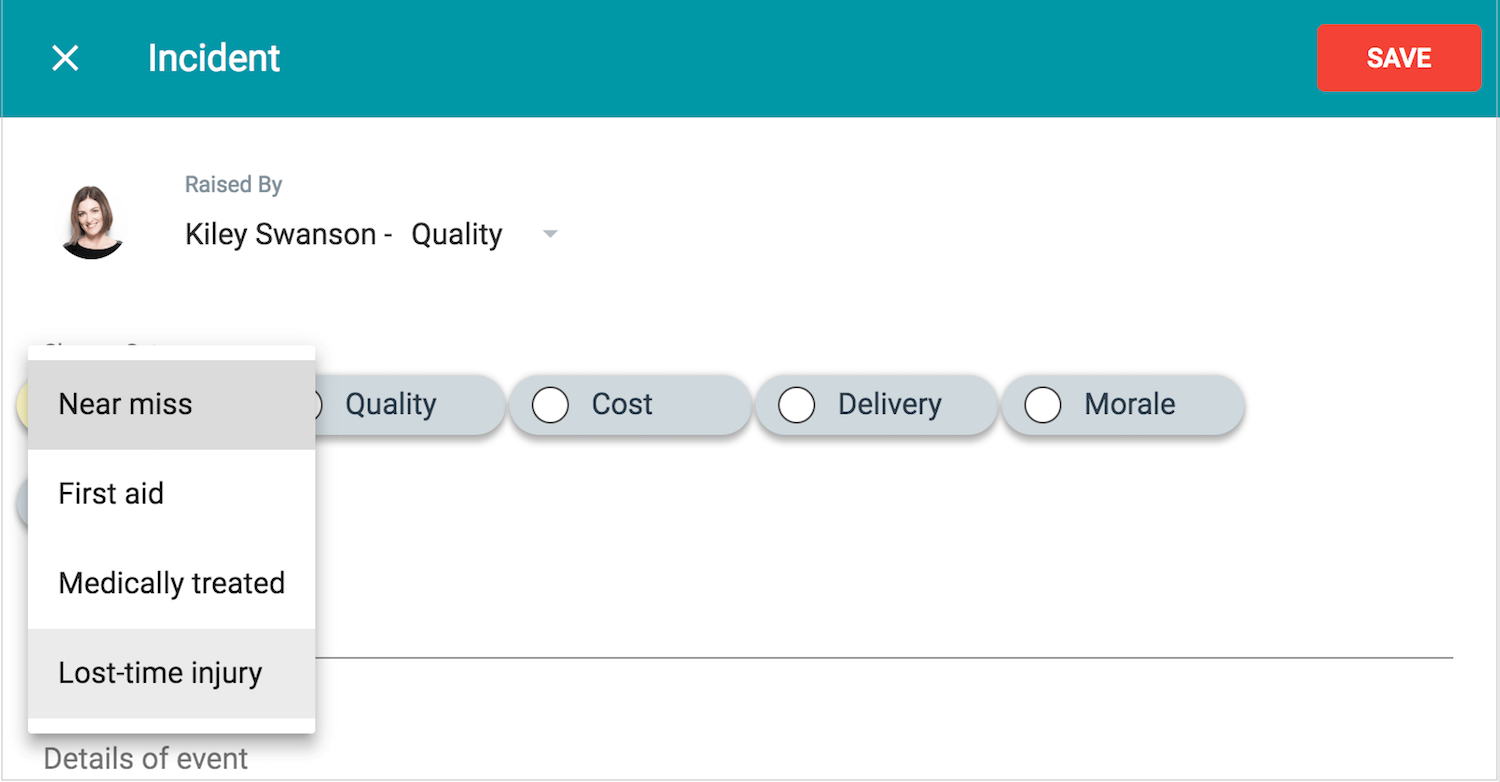
Add a Subcategory
An Admin can add and edit subcategories.
1. Start at the sidebar menu > Settings > Categories
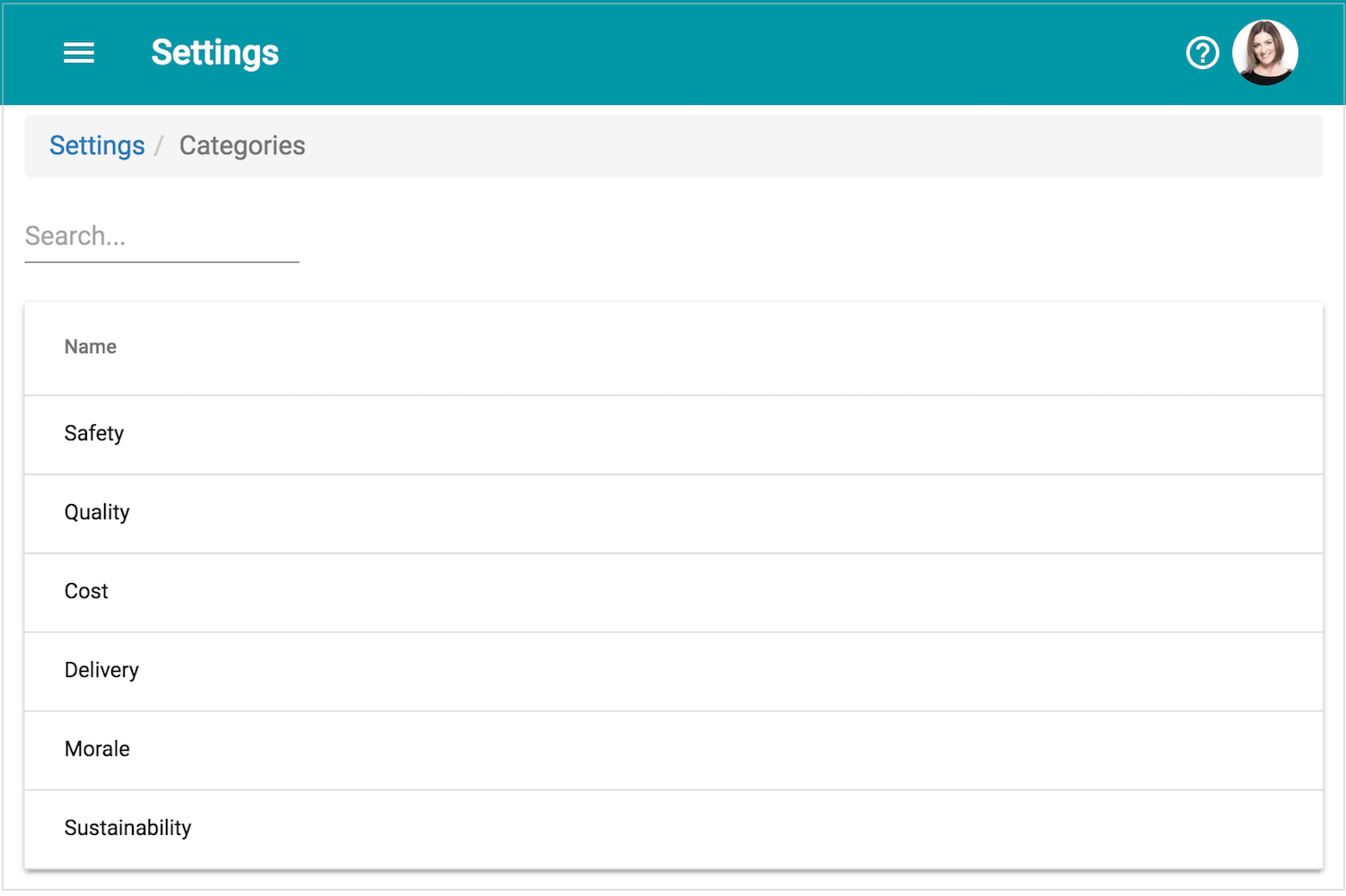
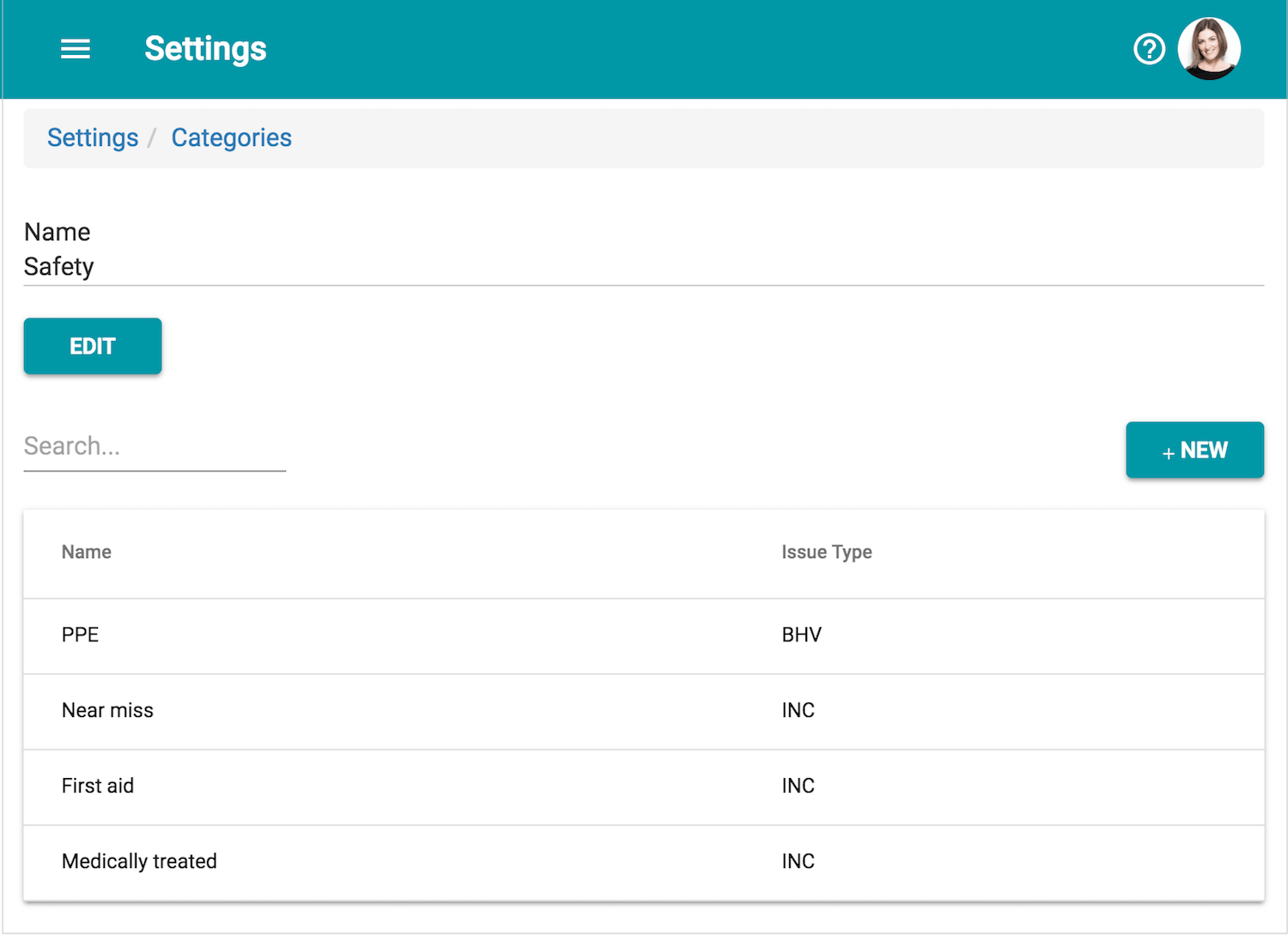
2. Select the category to add subcategories to (e.g. Safety). Then click the button 'New'.
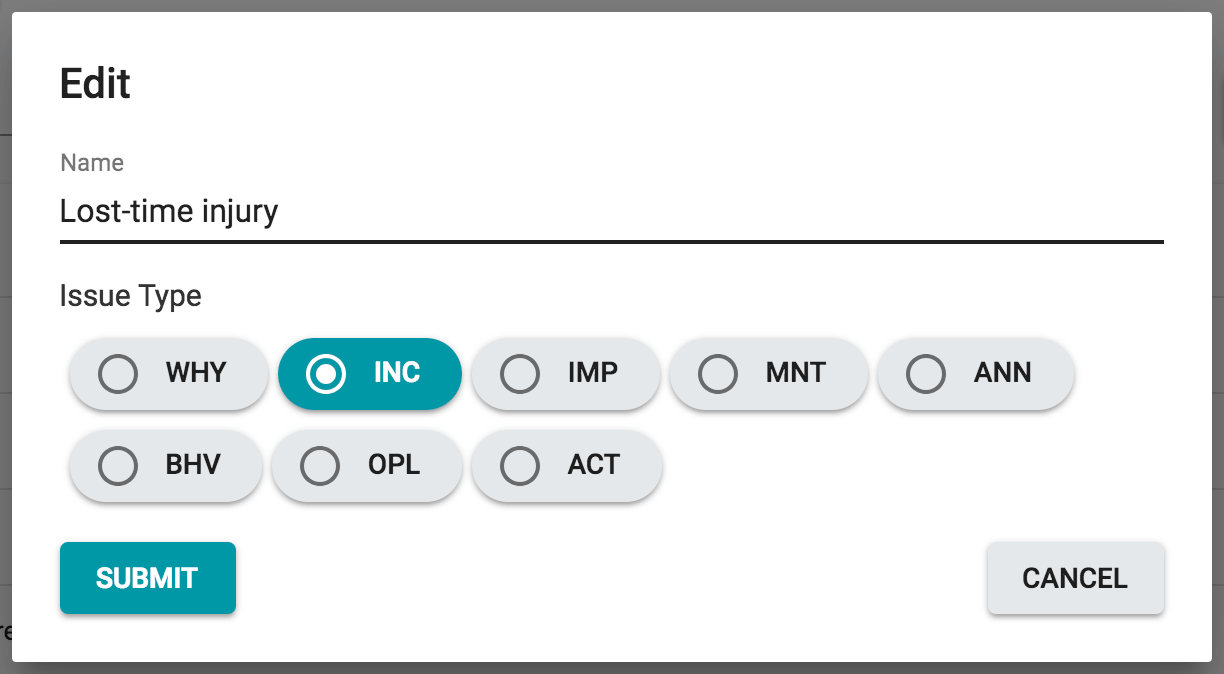
3. Give the new subcategory a name, then select which Activity Type that it should be applied to.
4. The new subcategory will now be available for that Activity type.