Tags
What are Tags?
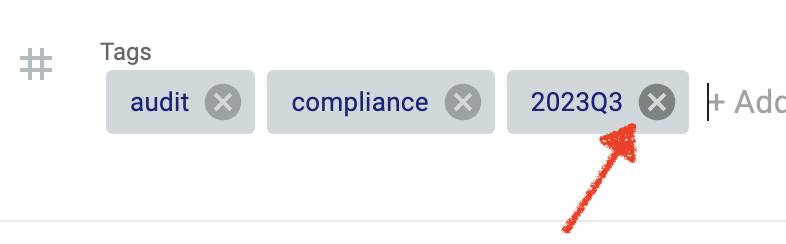
Tags are keywords or phrases that you can add to Activities to help organize and find them later. For example, you could tag an Activity with "2023Q3", "Audit" and "Compliance" to help you keep track.
Who can see Tags?
Tags you create are visible to everyone in your organization. All Tags can be seen, used and searched for by anyone else in your organization, at any site.
How to Use Tags
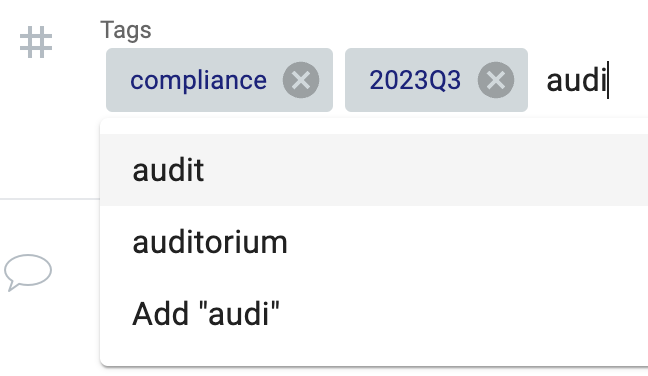
To use Tags, youfirst need to create them. Simply type the Tag name into the Tag field and either select the matched result from the list (if it already exists), or select "Add [tag name]".
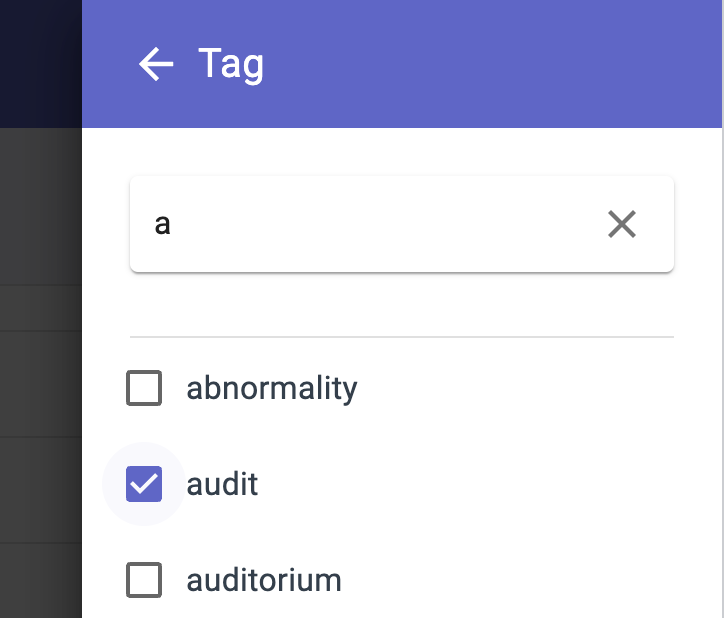
You can use the Tag filter in Search to find all Activities with specific Tags.
Benefits of Using Tags
- Improved organization: Tags can help you to organize your Activities topic, project, or other criteria. This can make it easier to find the Activities that you need when you need them.
- Improved searchability: Tags can also make your Activities more searchable. When you search for an Activity by Tag, the search engine will look for all Activities that have the same Tag (or Tags).
- Improved collaboration: Tags can also be used to collaborate with others. If you are working on a project with other people, you can all add tags to Activities to help you keep track of your work.
Remove Tags
- Click into the Tags field and existing fields will display with an "X". Click on this to remove a Tag.