Print or Save (PDF) an Activity
Note that TeamAssurance activities and checklists are intended to be viewed and shared online. However there is a print option.
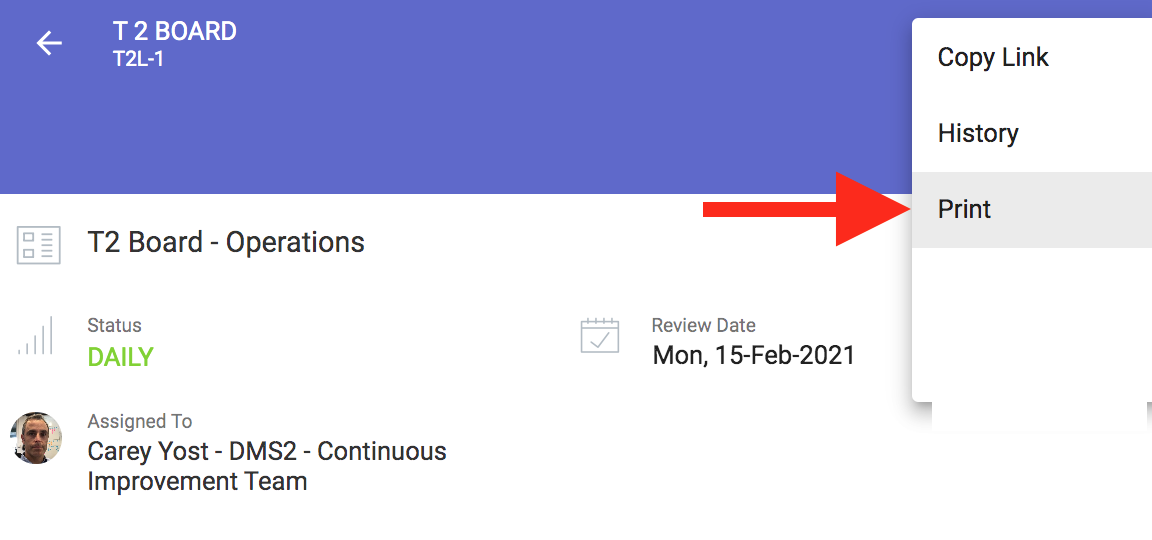
To print or save (PDF) an Activity, open the three dots 'More Options' menu, and select Print.
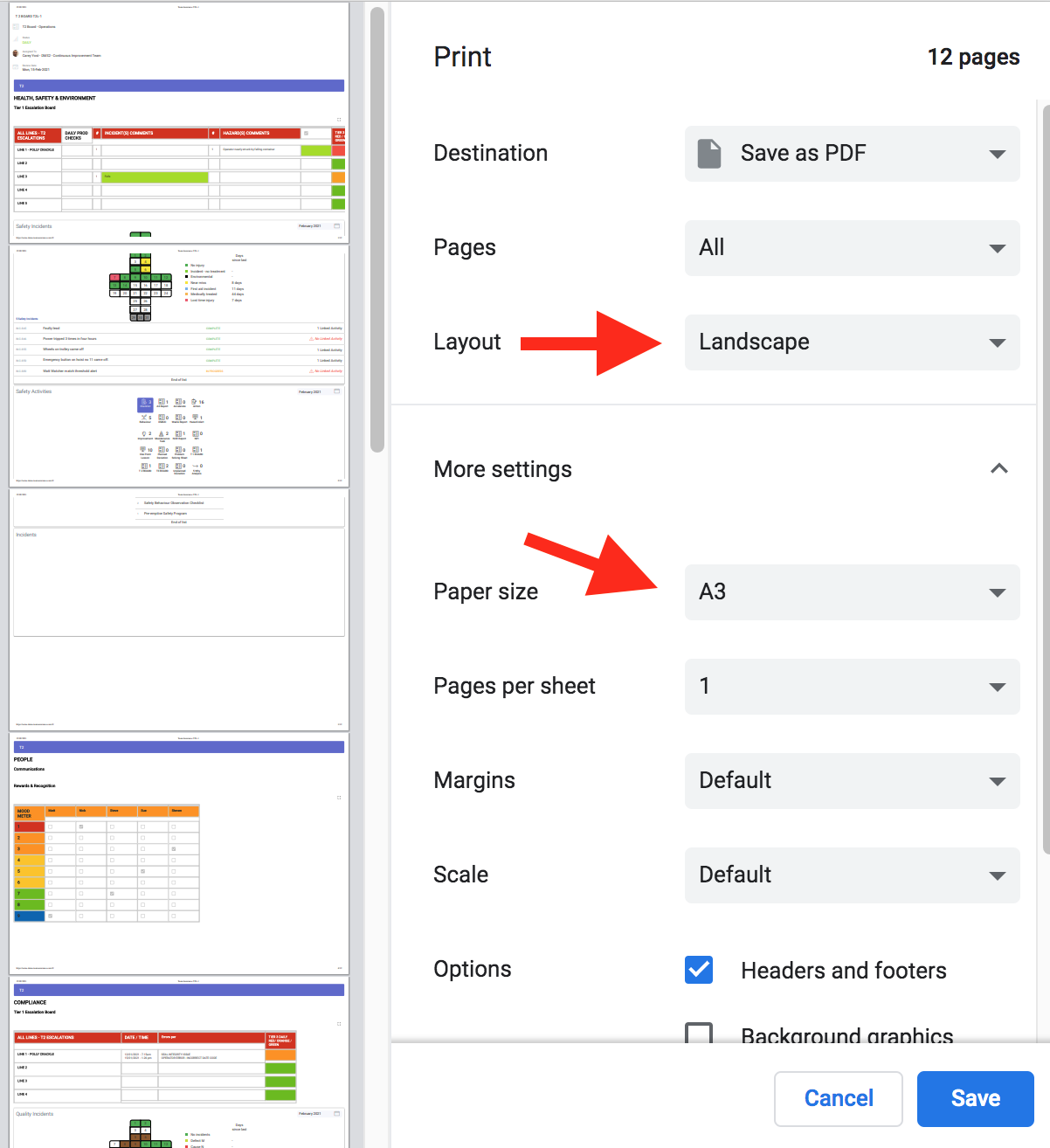
You may need to change the default printer settings to fit all the elements on the page. It is possible that some elements may not fit on a printed page.